
How to Build a Pizza Shop Website That Drives Online Orders

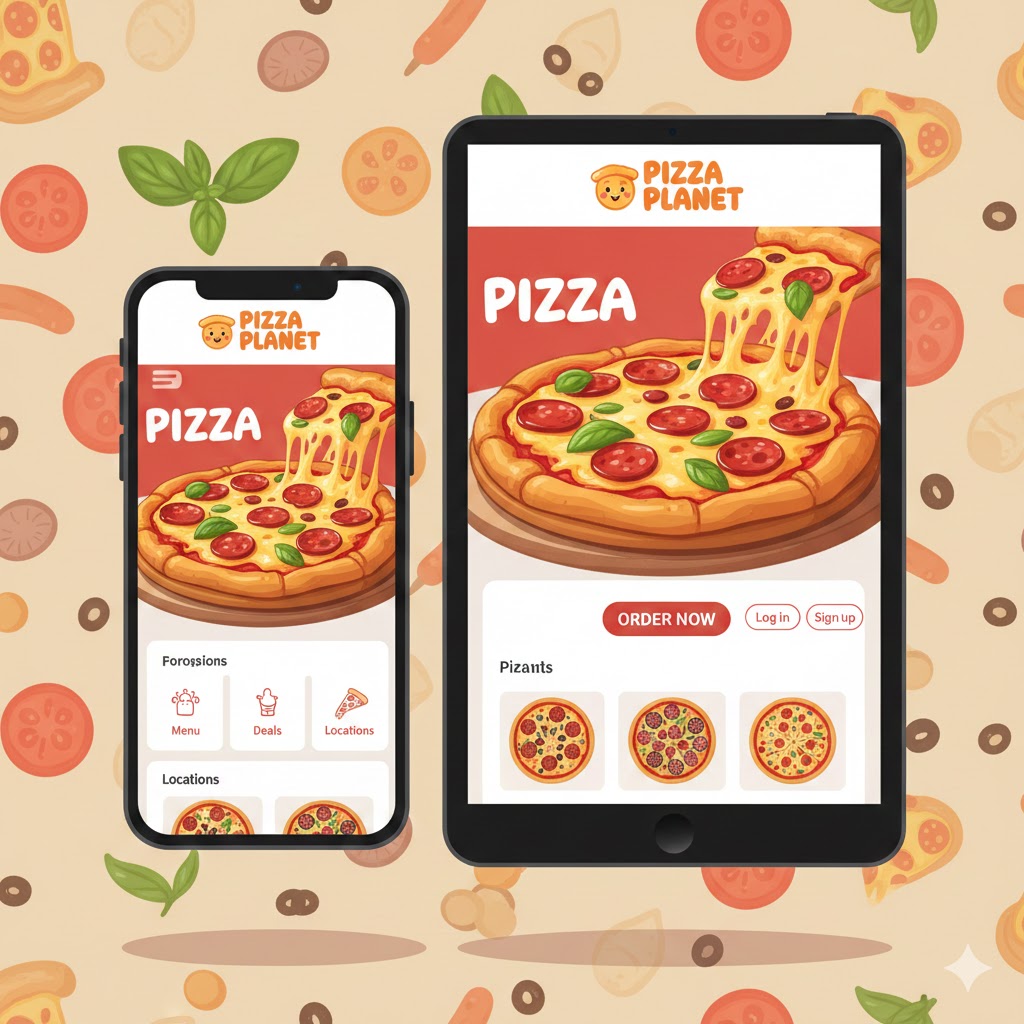
Your pizzeria needs a website. Not just any website — one that turns hungry visitors into paying customers.
Too many pizza shops either have no website, a outdated one from 2010, or a generic template that doesn't support online ordering. In 2025, that's leaving money on the table.
Here's how to build a pizza shop website that actually drives orders.
Why Your Pizzeria Needs a Website (Not Just Social Media)
"We have a Facebook page" isn't enough. Here's why:
You don't own Facebook. Algorithm changes can tank your reach overnight. Your Facebook page could get hacked or suspended. You're renting space on someone else's platform.
Customers expect a website. 77% of diners visit a restaurant's website before ordering. No website = no credibility.
Google ranks websites, not Facebook pages. When someone searches "pizza near me," Google shows websites in the map pack. No website means you're invisible to searchers.
Online ordering needs a home. Third-party apps take 15-30% of every order. Your own website with integrated ordering keeps 100% of the revenue.
The 7 Must-Have Features for Pizza Shop Websites
Not all restaurant websites are created equal. Pizza shops have specific needs.
1. Mobile-First Design
60%+ of your visitors are on phones. If your website isn't mobile-optimized, you're losing the majority of potential orders.
Mobile-first means:
- Loads in under 3 seconds on cellular
- Text is readable without zooming
- Buttons are large enough to tap
- Menu scrolls smoothly
- Online ordering works flawlessly on small screens
Test it: Pull up your current website on your phone. Try to place an order. Was it easy? Would a hungry customer complete it?
2. Prominent Online Ordering
Your "Order Now" button should be impossible to miss. Don't bury it in a menu or make customers hunt for it.
Best practices:
- "Order Now" button in the header (visible on every page)
- Hero section with clear call-to-action
- Sticky button that follows as users scroll (mobile)
- Multiple order buttons throughout the page
What NOT to do:
- Link to a third-party app (DoorDash, UberEats)
- Require customers to call to order
- Hide ordering behind multiple clicks
3. Pizza-Specific Menu Display
Generic restaurant menus don't work for pizza. Customers need to see:
- Sizes and prices at a glance (personal, medium, large, XL)
- Specialty pizzas with descriptions and photos
- Build-your-own options with topping categories
- Combo deals prominently featured
- Dietary info (vegetarian, gluten-free options)
Pro tip: Include mouth-watering photos. Pizza is visual — a great photo sells better than any description.
4. Integrated Online Ordering (Not Just a Menu)
A PDF menu is not online ordering. Customers should be able to:
- Select size and crust
- Choose toppings (including half-and-half)
- Add sides, drinks, and extras
- Apply promo codes
- Pay online
- Schedule pickup or delivery time
And critically: orders should flow directly to your kitchen — ideally printing on your Clover POS.
5. Location and Hours (Easy to Find)
Sounds obvious, but many pizza websites make this hard to find.
Include:
- Full address with link to Google Maps
- Embedded map on contact page
- Hours for each day (including holidays)
- Delivery area/zones
- Phone number (click-to-call on mobile)
Put this in the footer so it appears on every page.
6. Customer Reviews/Social Proof
Displaying reviews builds trust and answers the question "Is this place any good?"
Options:
- Embed Google reviews
- Display Yelp rating
- Customer testimonials with photos
- "As seen in" media mentions
7. Fast Load Speed
Every second of load time costs you orders. After 3 seconds, 53% of mobile users abandon a page.
Speed killers to avoid:
- Massive uncompressed images
- Too many fonts
- Bulky page builders
- Cheap shared hosting
- Unnecessary plugins/scripts
Aim for: Under 3 seconds on mobile, under 2 seconds on desktop.
Common Pizza Website Mistakes (And How to Fix Them)
Mistake #1: No Online Ordering
The problem: Website shows menu but forces customers to call.
The fix: Integrate online ordering. If you're on Clover, use a platform like Restaurant Fire that prints orders directly to your kitchen.
Mistake #2: Linking to Third-Party Apps
The problem: "Order on DoorDash" sends customers away (and costs you 30%).
The fix: Own your online ordering. Promote your direct ordering link everywhere.
Mistake #3: Outdated Information
The problem: Wrong hours, old menu, discontinued items still listed.
The fix: Update your website whenever your menu or hours change. Use a platform that makes updates easy (no developer needed).
Mistake #4: Generic Template That Doesn't Fit Pizza
The problem: Website builder designed for salons or lawyers, shoehorned into a pizza site.
The fix: Use a restaurant-specific (ideally pizza-specific) website builder with menu features, online ordering, and appropriate layouts.
Mistake #5: No Mobile Optimization
The problem: Website looks fine on desktop, disaster on phone.
The fix: Mobile-first design, or a responsive template that adapts. Test on actual phones, not just browser preview.
Mistake #6: Slow Load Times
The problem: Beautiful photos, but page takes 8 seconds to load.
The fix: Compress images, use fast hosting, minimize scripts. Speed matters more than fancy animations.
Mistake #7: Buried Contact Info
The problem: Customers can't find address, hours, or phone number.
The fix: Put location and hours in the footer (every page), header, and a dedicated contact page.
DIY vs. Professional vs. Platform: Which Path to Choose?
There are three main ways to build your pizza shop website:
Option 1: DIY Website Builder (Wix, Squarespace)
Pros:
- Low cost ($12-40/month)
- Full design control
- No developer needed
Cons:
- No integrated online ordering (need third-party)
- Generic templates (not pizza-specific)
- You maintain everything yourself
- Ordering doesn't connect to your POS
Best for: Pizza shops with tech-savvy owners who want full control and don't mind piecing together ordering separately.
Option 2: Hire a Web Developer
Pros:
- Fully custom design
- Can integrate anything
- Professional quality
Cons:
- Expensive ($2,000-10,000+ upfront)
- Ongoing maintenance costs
- Slow to make changes (wait for developer)
- Still need separate online ordering solution
Best for: Multi-location pizzerias with budget for custom development and ongoing support.
Option 3: Restaurant/Pizza Website Platform
Pros:
- Built for restaurants/pizza shops
- Online ordering included
- Connects to your POS
- Menu updates are easy
- Marketing features included
- One monthly price
Cons:
- Less design customization than custom build
- Monthly subscription fee
Best for: Pizza shops that want everything in one place without technical hassle.
What to Look for in a Pizza Website Platform
If you choose the platform route (recommended for most pizzerias), here's what matters:
Must-Haves
- ✅ Pizza-specific menu features (sizes, half-and-half, modifiers)
- ✅ Integrated online ordering (not a third-party link)
- ✅ POS integration (orders print to kitchen automatically)
- ✅ Mobile-optimized (looks great on phones)
- ✅ Fast load times (under 3 seconds)
- ✅ Easy menu updates (no developer needed)
- ✅ SSL certificate (https:// for security)
Nice-to-Haves
- SMS marketing integration
- Review collection/display
- Loyalty program
- SEO optimization tools
- Custom domain support
- Google Analytics integration
Red Flags
- ❌ Per-transaction fees on online orders
- ❌ Long-term contracts
- ❌ No POS integration (requires separate tablet)
- ❌ Can't handle pizza-specific customizations
- ❌ Slow support or no support
Connecting Your Website to Clover POS
If you're already using Clover, your website should integrate with it. Here's why:
Without integration:
- Customer orders on website
- Order notification on separate tablet
- Staff manually enters order into Clover
- Ticket prints to kitchen
- Potential for errors, delays, double-entry
With integration (like Restaurant Fire):
- Customer orders on website
- Order flows directly to Clover
- Ticket prints automatically to kitchen
- Order appears in Clover reporting
- Seamless, no extra steps
This isn't just convenience — it's fewer errors, faster tickets, and happier customers.
SEO Basics: Getting Your Website Found
A beautiful website is useless if nobody finds it. Basic SEO ensures you show up when customers search. For a deeper dive, check out our complete guide to local SEO tips for pizzerias.
Local SEO Essentials
- Google Business Profile: Claim and verify your listing
- NAP consistency: Same Name, Address, Phone everywhere
- Local keywords: "Pizza delivery in [Your City]" on your homepage
- Reviews: More Google reviews = higher rankings
On-Page SEO
- Title tags: "Best Pizza in [City] | [Your Pizzeria Name]"
- Meta descriptions: Compelling summary with call-to-action
- Header tags: Use H1, H2, H3 properly
- Image alt text: Describe images for accessibility and SEO
- Fast load speed: Google ranks faster sites higher
Content That Ranks
Consider adding:
- Neighborhood/area pages ("Pizza Delivery in [Neighborhood]")
- Menu pages with descriptions (not just PDFs)
- Blog posts about local events, specials, pizza topics
- FAQ page answering common questions
Launching Your Pizza Website: A Checklist
Before you go live, verify:
Design & Usability
- [ ] Mobile-friendly on multiple devices
- [ ] Load time under 3 seconds
- [ ] Clear navigation
- [ ] "Order Now" button prominent
- [ ] Photos are high-quality and compressed
Content & Info
- [ ] Menu is current and accurate
- [ ] Prices are correct
- [ ] Hours are listed (including holidays)
- [ ] Address links to Google Maps
- [ ] Phone number is click-to-call
Online Ordering
- [ ] All menu items orderable
- [ ] Sizes and modifiers work
- [ ] Half-and-half toppings function
- [ ] Payment processing works
- [ ] Order confirmation sends to customer
- [ ] Orders print to kitchen (or notify staff)
Technical
- [ ] SSL certificate active (https://)
- [ ] Google Analytics installed
- [ ] Google Business Profile linked
- [ ] Contact form works
- [ ] All links functional
Start Driving Orders Today
Your pizza shop website is the foundation of your online presence. Get it right, and you'll convert browsers into orders. Get it wrong, and you'll lose customers to competitors.
The good news: you don't need to be technical to have a great pizza website. The right platform handles the hard parts for you.
Restaurant Fire gives pizzerias a mobile-optimized website with built-in online ordering, all connected to your Clover POS. Update your menu in minutes, and orders print directly to your kitchen.
Schedule a demo to see how easy building your pizza shop website can be.

Sign up for your
free 7 day trial
The All-in-One Clover App for Pizzerias
Related Articles
7 Local SEO Tips for Pizzerias: Get Found When Customers Search 'Pizza Near Me'
Learn how to rank higher in local search results and get more customers finding your pizzeria on Google. Practical SEO tips specifically for pizza shop owners.
Pizza Promotion Ideas: 15 Proven Deals That Drive Orders in 2025
Discover 15 pizza promotion ideas that actually work. From BOGO deals to loyalty programs, learn how to drive more orders to your pizzeria without cutting into profits.
Best POS Apps for Pizzerias on Clover (2025 Comparison)
Compare the best Clover apps for pizzerias. From online ordering to SMS marketing, discover which POS add-ons will help your pizza shop drive more sales.